Customer Experience

Denkplan Portfolio Maps for Jira
Turn your Jira portfolio into a plan everyone can see.
Connect strategy, initiatives, and delivery work in one visual map—without moving planning outside Jira.
Company Portfolio
Operational Excellence
Platform Modernization
Market Expansion
Risk & Compliance
Now 5 19 11
Unified customer portal
Mobile service experience
Automate order fulfilment
Cloud data platform
Launch in DACH region
EU data controls
Next 8 7 0
Shared services operating model
Consolidate identity systems
North America launch
✓ Runs inside Jira ✓ Multiple projects ✓ Flexible hierarchy ✓ PNG export
Portfolio planning in context
Keep the big picture connected to live Jira work.
Build a portfolio view around the way your organization already plans, then update the work directly from the map.
See strategy and delivery together
Connect high-level goals and initiatives to the Jira work that carries them out.
Read the guidePlan on your own model
Use the issue types, links, columns, and hierarchy that already fit your organization.
Read the guideShape releases visually
Organize work into releases, sprints, or custom-field swimlanes without leaving the map.
Read the guideBuilt around your Jira setup
Map the portfolio without rebuilding the system behind it.
Start from an existing board or create a static map. Configure the hierarchy, add goals above the portfolio, and choose releases, sprints, or custom fields for the swimlanes below it.
Read the documentation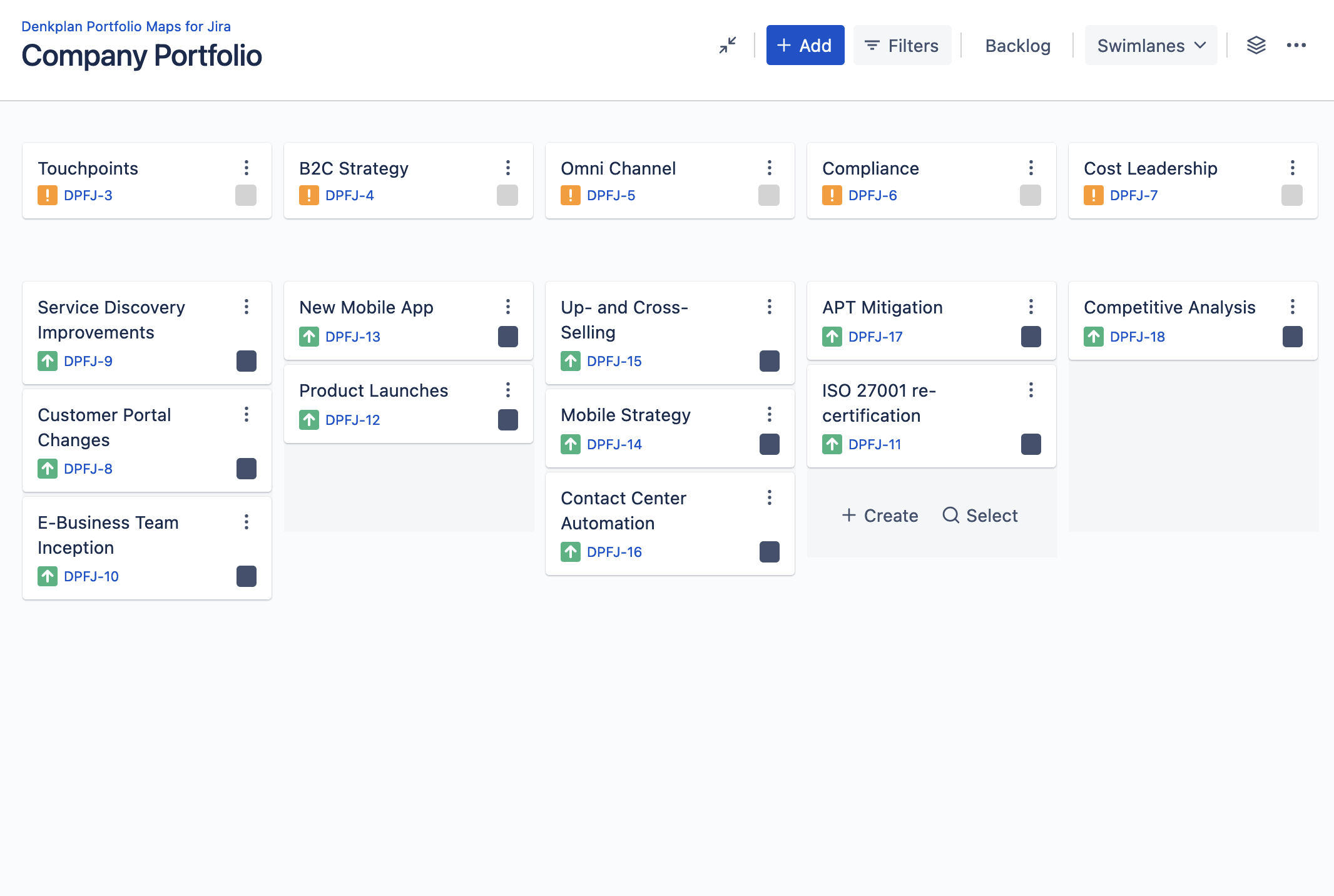
Put strategy and delivery on the same map.
Try Denkplan Portfolio Maps in Jira, or explore the public demo before installing.